

QuickScan Touch Plus
Densitometry and Data Management
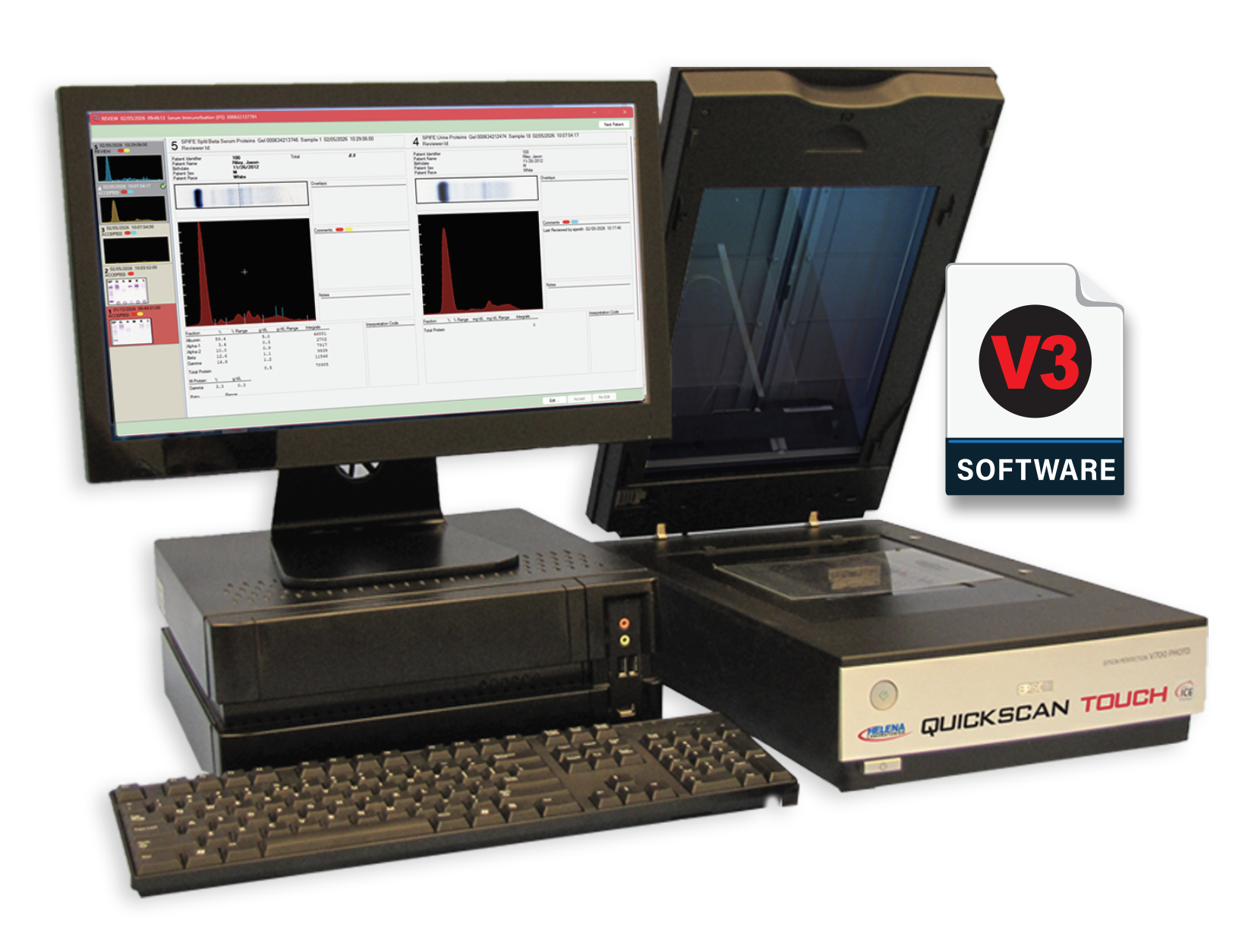
For Imaging and Quantitation
Now Windows® 11 Compatible
The QuickScan Touch Plus densitometer provides fast and accurate imaging and quantitation of agarose gels and cellulose acetate. Automated pairing of current and historical reports provides efficient interpretation and accurate clinical decision making. The new V3 software introduces powerful workflow improvements for ease in reporting.
QuickScan Touch Plus Features
The QuickScan Touch Plus includes a host of advanced features to meet the needs of even the most complex workload with full LIS and remote interpretation support. Data from multiple Helena systems can be unified in the QST+ database.

Auto M-spike delimiting provides user-to-user consistency

Dual-scan test type added for one-time scanning of gels containing both serum and urine specimen types on the same gel

Full network capability to view results at multiple locations.

Cybersecurity enhancements to improve network compatibility

Barcoded gels allow positive ID from patient sample tube to final results with LIS interface

Customizable IFE lane labels to match any fixative/antisera profile

Composite key identifier uniquely created from two demographic fields

Worklist and review screens are fully customizable
New QST+ Features to Fit Every Lab’s WorkFlow
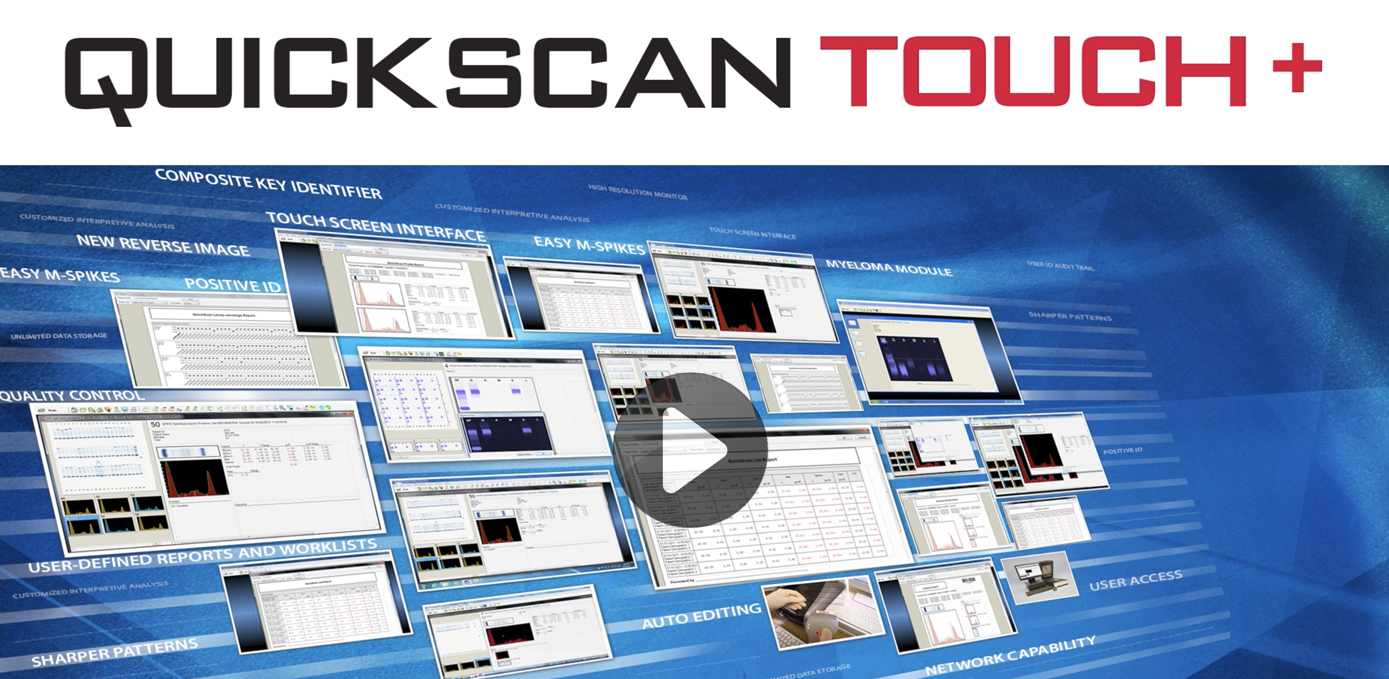
Watch this 3-minute video demo to see the full features of the updated V3 software.
See everything in one place –
Each patient’s current results are auto-paired with their previous data from a virtually unlimited data store, including competitive system data. Available total protein, albumin, free light chain ratio and nephelometric data can also be incorporated for review. If it’s paired, it’s there.
Scroll through to spot changes –
Patient history is presented as scrollable thumbnails to quickly detect progression or regression of disease.
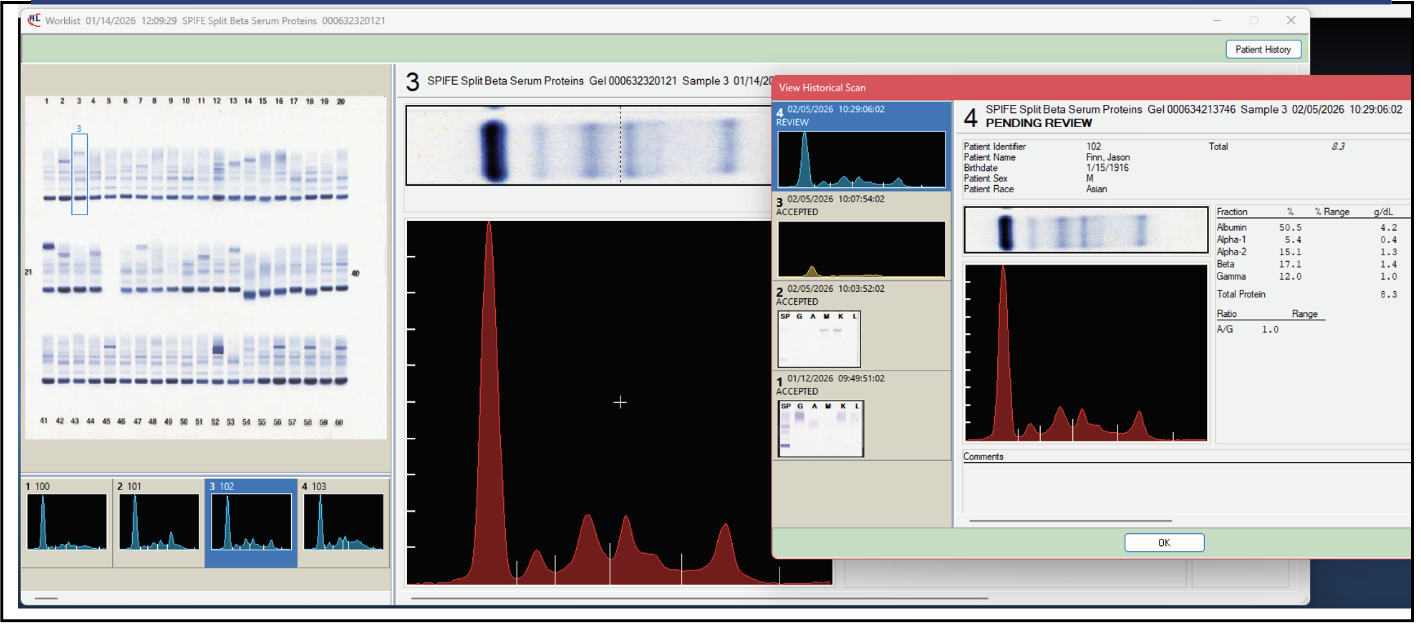
Patient historical scans are now also accessible during editing of an original Worklist
• Option to categorize scans in Re-Edit folder
• Improved organization and ease of adding comments and interpretations
• Message flags are now displayed in patient history thumbnails
Myeloma Folder Number Bubbles
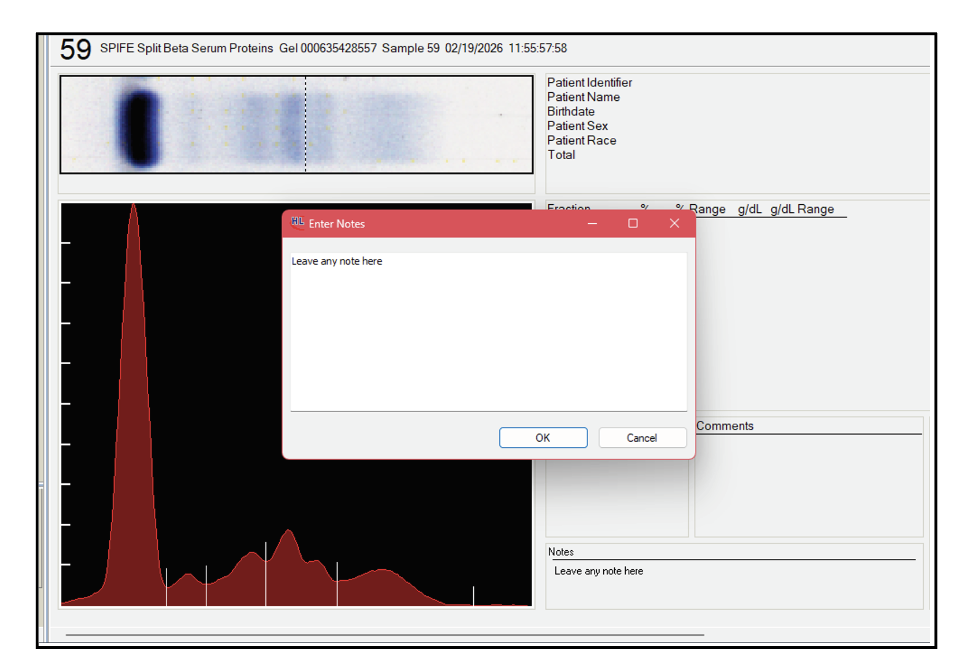
New: Notes region for internal lab use
Redesigned Review Workflow –
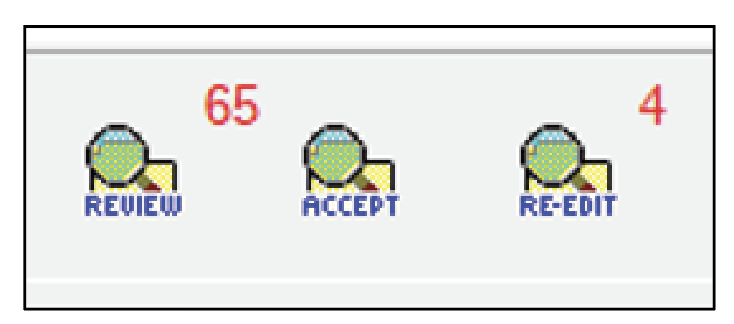
Following initial editing, scans are routed to the Review folder, organized by patient. A live count indicator keeps pathologists informed of queue status and the side-by-side layout allows faster, more confident interpretation.
New Re-Edit Folder –
Provides clear workflows for complex cases, including reflex testing and formal consultation pathways.
New Dedicated Notes –
Communication between reviewing pathologists and consulting clinicians directly within the case record is now part of the record.
Let's Get Technical
Want to know the details? Helena provides complete information on the QuickScan Touch Plus. Feel free to download a brochure or check out the latest warranty, service and technical specifications.
QuickScan Touch Plus Product Numbers
Product No. / Item
1640 – QuickScan Touch Plus Complete System
1694 – Color Laser Printer for QuickScan Touch
1695 – Monitor for QuickScan Touch
1034 – Neutral Density Densitometer Control for SPIFE Nexus and QuickScan Touch Plus
1047 – Optical Density Step Tablet (10-step)
QuickScan Touch Plus Technical Specifications
OPTICS:
Flat-bed document scanner
SCAN LENGTH:
0.01 to 221.5 mm
RESOLUTION:
200, 400, 600, 800, and 1200 dpi
MEDIA:
Agarose gels and cellulose acetate (TLC w/ optional scanner)
GAIN MODES:
Automatic, manual
SCAN/EDIT FEATURES:
Auto/manual fraction selection, force fraction, reference overlay, baseline adjustment, delete area, auto M-spike demarcation, slice or skim quantitation, invert IFE image, zoom, auto edit for cholesterol profile.
AUTOMATIC DATA ANALYSIS:
Analog curve (printed with or without reference overlay), fractions, relative % and/or units, integral count, one or two ratios, high and low out-of-range indicators, and total,
PATIENT DEMOGRAPHICS:
Unlimited user-definable demographic labels such as, Patient Name, Birth Date, Patient Age, Sex, etc. Composite Key Identifier option for reference laboratories.
FRACTION NAMES:
Up to 10 labeled fractions; labels can be assigned on a scan-by-scan basis.
REFERENCE RANGES:
User-definable for total and each fraction, including ranges based on age and/or sex.
RATIOS:
User may define the ratio of any fraction to any other fraction or to the total.
USER ACCESS:
Set up unlimited users with custom access controls for unique roles. User data stored with scan.
COMMENTS:
Unlimited comments per patient. Pre-set test-specific comments and easy right-click menu for comment/interpretation addition.
MICROPROCESSOR:
PC-compatible, Microsoft® Windows® 10 Enterprise operating system. Microsoft® Windows® 11 compatible.
COMPUTER INTERFACE:
Network-compatible for remote editing and review of results. LIS connectivity via CLSI LIS02-A2 (ASTM E1394) protocol, with interface options for RS-232 (serial) or TCP/IP (Ethernet/RJ-45).
INPUT POWER:
120 Vac, 1000 Watts, 50/60 Hz, Grounded
SCANNER DEMINSIONS:
≤ 8x13x22 in (20x33x56 cm)
COMPUTER, COLOR MONITOR, & KEYBOARD DEMINSIONS:
22x18x24 in (56x46x61 cm)
PRINTER DEMINSIONS:
10 x 14 x 14 in (25 x 36 x 36 cm)
TOTAL WEIGHT:
104 lbs (47 kg)
ENVIRONMENT:
15° to 27°C (59° to 81°F)